ATS-friendly resume builder
Hirable helps you create resumes with clear structure, straightforward sections, and exports that are easier to review and submit through common application workflows.
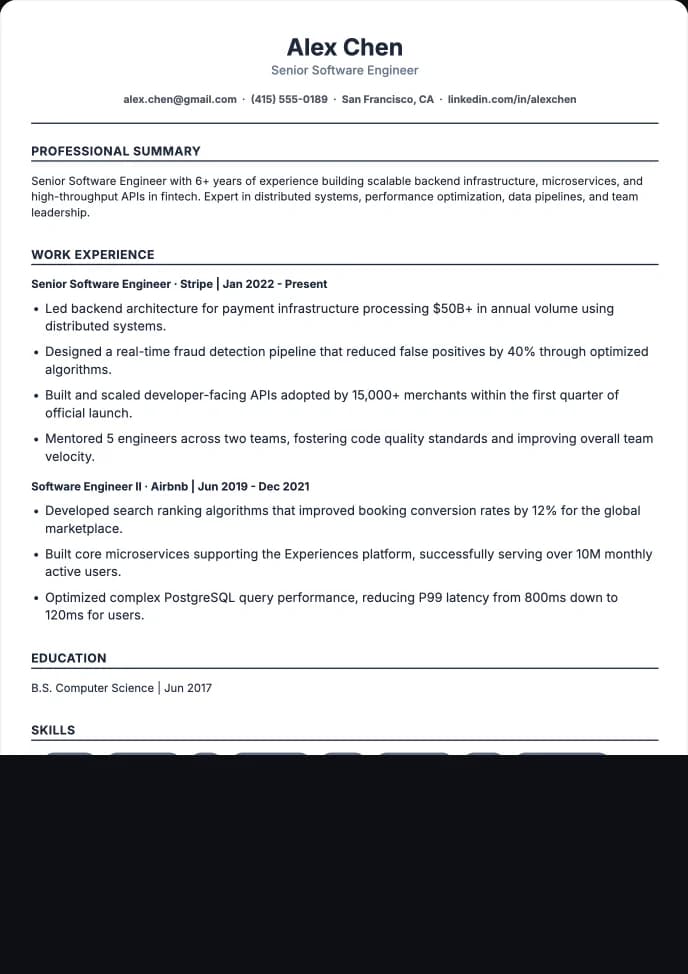
Choose a clean template
Start with a layout that keeps text readable and sections easy to scan.
Generate around the job
Use the job description to emphasize relevant experience and skills.
Export the right file
Download PDF or DOCX depending on what the employer asks for.
Readable structure matters
Applicant tracking systems and recruiters both benefit from resumes with recognizable sections, consistent dates, clear job titles, and straightforward formatting.
- Use standard sections like Experience, Education, Projects, and Skills.
- Keep visual templates clean when parsing is the priority.
- Avoid hiding important details inside images or unusual layouts.
No tool can guarantee ATS success
ATS performance depends on the employer's system, the application portal, and the resume content. Hirable focuses on practical structure, role-relevant wording, and exports that keep the document usable.
- Prioritize honest match quality over keyword stuffing.
- Choose readable templates for parsing-sensitive applications.
- Review the final PDF or DOCX before submitting.
Weak points and stronger application wording
Better wording should come from the candidate profile, job history, and target role. The goal is to clarify underwritten experience, not apply blanket upgrades that oversell the work.
Questions
Practical answers for using Hirable in this workflow.
What does ATS-friendly mean?
It generally means the resume uses readable text, recognizable sections, consistent formatting, and file types that application systems can process.
Should I use PDF or DOCX for ATS applications?
Follow the employer's instructions first. Hirable supports both PDF and DOCX so you can choose the format requested by the application portal.