The best AI resume builder depends on the job you need it to do
Resume tools now overlap across writing, scoring, ATS checks, job tracking, browser capture, templates, and exports. The useful comparison is not which product has the longest feature list; it is which workflow removes the repeated work in your own applications.
Pick your bottleneck
Identify whether scoring, tracking, writing, or repeat tailoring is costing you the most time.
Test one real application
Use the same target job and career history in the products you are considering.
Measure the finished output
Compare review effort, factual accuracy, layout quality, and time to a file you would actually submit.
Start with the repeated task
A job seeker applying once a month has a different bottleneck from someone sending ten targeted applications a week. Choose a tool around the step you repeat most: diagnosing gaps, tracking opportunities, rewriting content, or producing an application-ready file.
- Scanner-first: prioritize ATS checks, match reports, and keyword gaps.
- Workspace-first: prioritize tracking, notes, and job-search organization.
- Generation-first: prioritize reusable profile data, target-job context, editable drafts, and exports.
Compare workflow boundaries, not AI labels
Most modern resume products now advertise AI. The bigger difference is what context the product retains and what happens after the model generates text. A strong workflow should make it easy to review claims, manage versions, and produce the final document without losing the job context.
- Check whether the tool keeps your source profile separate from generated application versions.
- Check whether the target job stays attached to the resulting resume.
- Check whether review, templates, and exports are part of the same workflow.
A practical shortlist for 2026
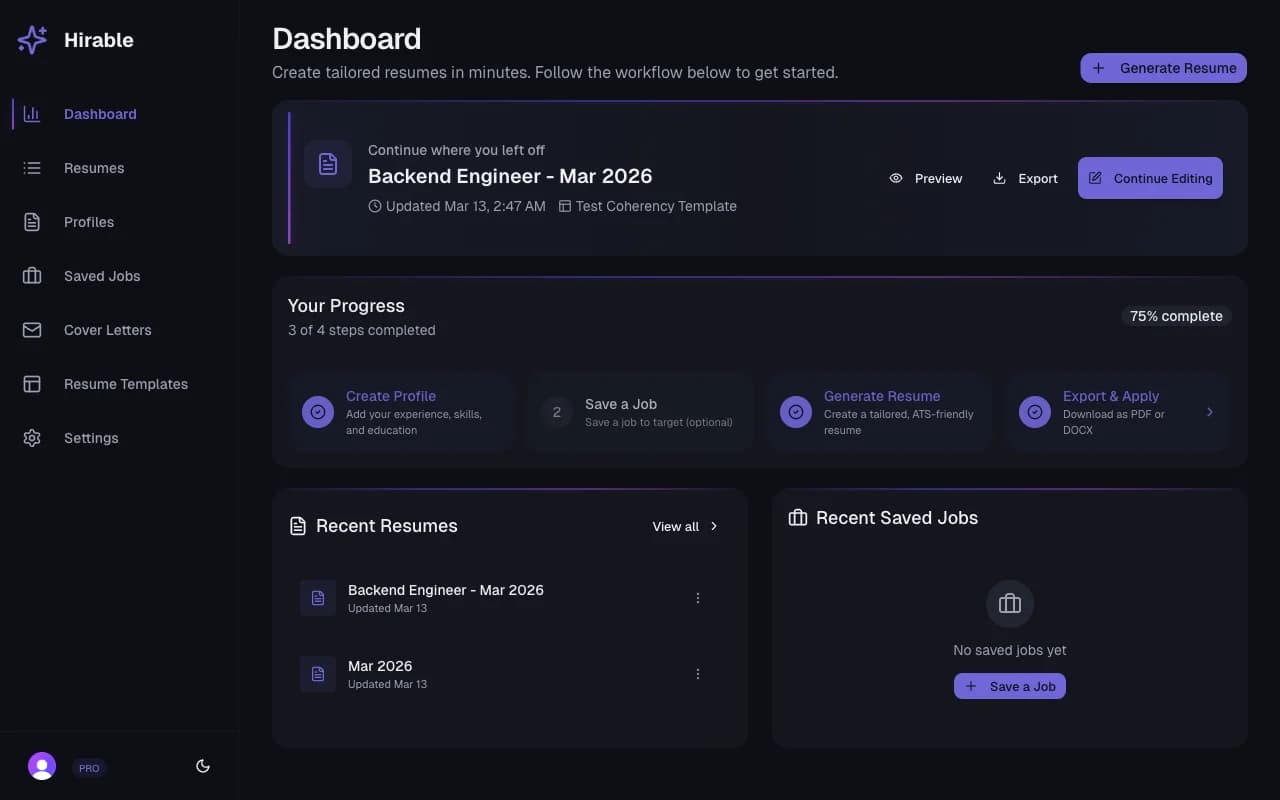
Jobscan is a reference point for scanner-first resume matching, Teal for a broad job-search workspace, Rezi for ATS-oriented resume building and scoring, Huntr for job tracking plus tailored resumes, and Hirable for a reusable-profile-to-job-specific-draft workflow. The best choice depends on which of those loops matches your search.
- Use a real job description when testing each tool.
- Review every generated claim before exporting or applying.
- Measure whether the tool reduces time-to-application without reducing factual accuracy.
Questions
Practical answers for using Hirable in this workflow.
What should I look for in an AI resume builder?
Look for factual control, job-specific context, editable output, usable templates, reliable exports, and a workflow that reduces repeated manual work. A proprietary score can be useful, but it should not replace reviewing the actual resume.
Is an ATS score the same as what an employer's ATS does?
No. Resume-tool scores are product-specific diagnostics. They can help surface issues, but employers use many different ATS configurations and hiring workflows.
When is Hirable a good fit?
Hirable is designed for job seekers who want to keep one structured profile, capture or save target jobs, generate a separate editable resume for each role, and export the approved version without rebuilding context every time.