Tailor your resume to a job description
Paste the job description, add a URL, or use the Chrome extension to bring role details into Hirable before generating a targeted resume draft.
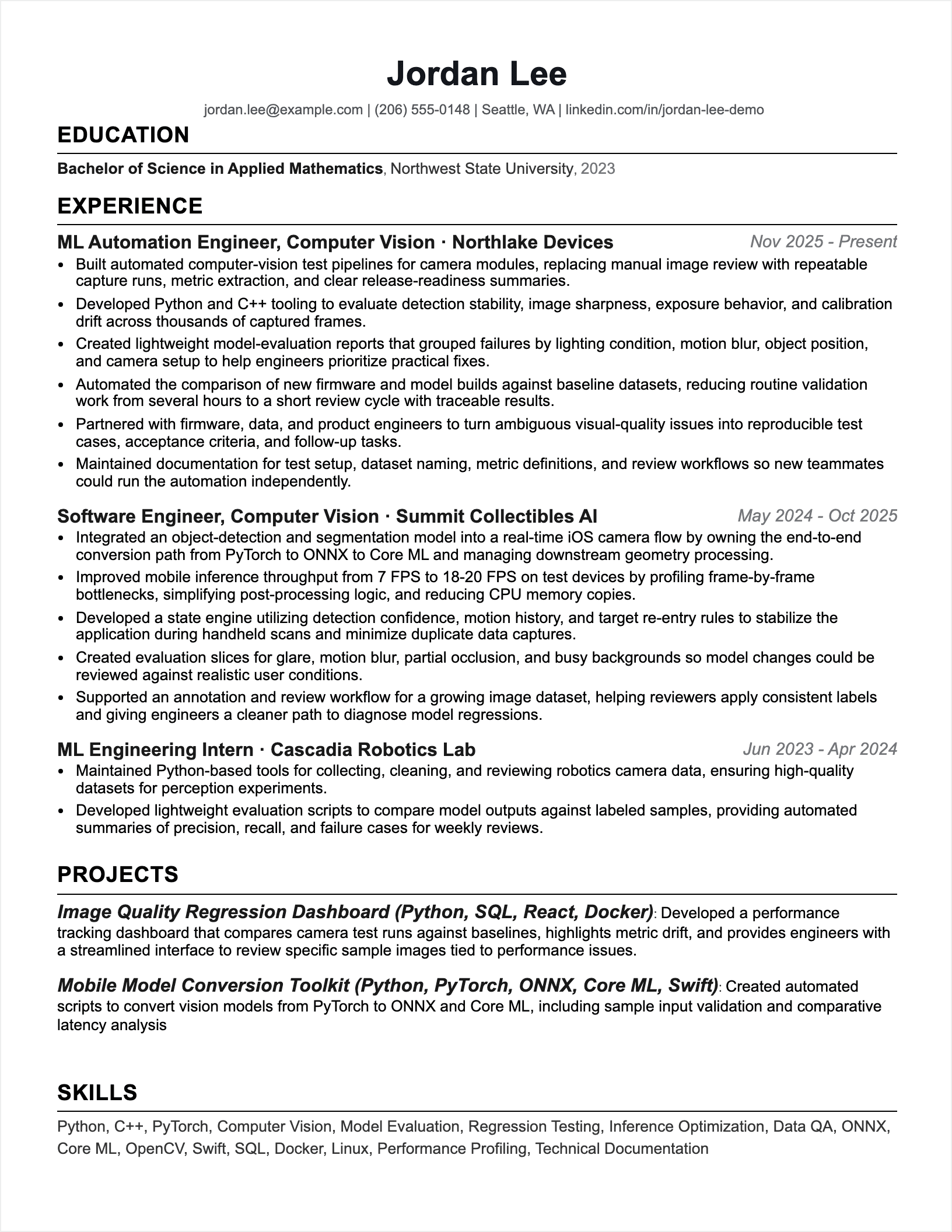
Add the target job
Paste the description, provide a job URL, or capture the listing while browsing.
Select the resume base
Use your saved profile and choose the template you want the draft to fit.
Review the tailored draft
Check accuracy, adjust emphasis, and export only after the resume is ready.
Start from the role, not only the resume
Many applicants update a resume by guessing which details matter. Hirable uses the target job post as the starting point so responsibilities, tools, and requirements can guide the draft.
- Capture the job title, company, responsibilities, and requirements.
- Bring forward profile details that match the role.
- Avoid rewriting every application from scratch.
Role-specific wording without false claims
Tailoring should clarify relevant experience, not manufacture it. Hirable is designed around your saved profile and the job post you provide, with a review step before anything is exported.
- Use the employer's language where it honestly fits your background.
- Keep unsupported claims out of the final draft.
- Review every bullet before submitting.
Weak points and stronger application wording
Better wording should come from the candidate profile, job history, and target role. The goal is to clarify underwritten experience, not apply blanket upgrades that oversell the work.
Questions
Practical answers for using Hirable in this workflow.
Can I tailor a resume without the Chrome extension?
Yes. The extension is optional. You can paste the job description or add a URL directly in the dashboard.
Will Hirable add skills I do not have?
The draft should be grounded in your saved profile and the job post. You should review the result and remove any wording that does not accurately represent your experience.