Resume optimizer for better job applications
Use Hirable to turn broad resume content into a more focused application draft, with wording and structure you can inspect before export.
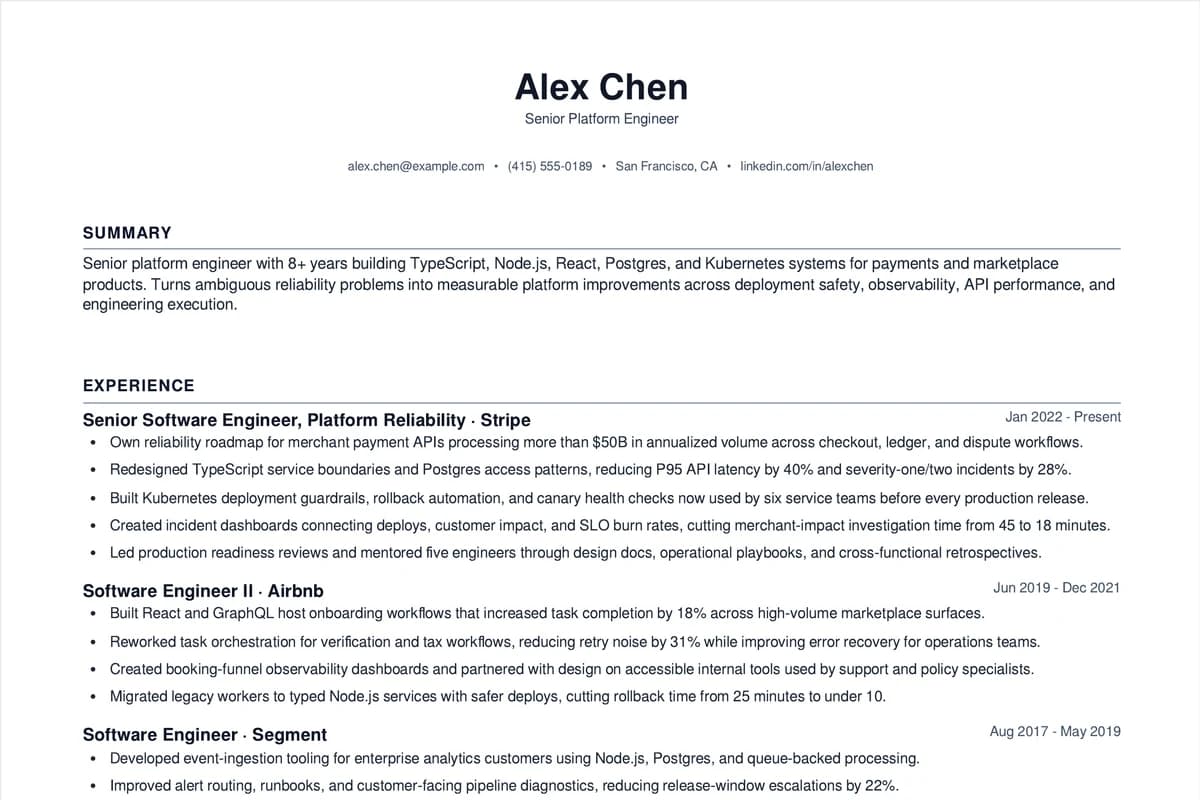
Start with profile details
Keep your actual experience, projects, education, and skills organized.
Add the target role
Use the job description to identify what should be emphasized.
Improve and export
Review stronger wording, edit sections, then download the approved resume.
Optimization should make the resume clearer
A stronger resume is not just longer or louder. It should use the real context from your profile and work history to clarify weak points without adding claims you cannot support.
- Replace vague responsibilities with specific contributions from your actual experience.
- Tie skills to projects, systems, or measurable work only when the profile supports it.
- Remove wording that does not support the target application.
Use the job post as the benchmark
The target job description gives the optimizer a real direction: the role's responsibilities, tools, seniority, and team context.
- Compare the job requirements against your saved profile.
- Prioritize relevant experience instead of listing everything.
- Keep a final human review in the workflow.
Weak points and stronger application wording
Better wording should come from the candidate profile, job history, and target role. The goal is to clarify underwritten experience, not apply blanket upgrades that oversell the work.
Questions
Practical answers for using Hirable in this workflow.
Is resume optimization the same as keyword matching?
No. Keyword alignment can help, but useful optimization improves clarity, relevance, evidence, and structure without adding unsupported claims.
Can I optimize for different jobs?
Yes. The same saved profile can be used to create different role-specific resume drafts for different job descriptions.